Elementary OS - Hera 5.1 post install
Quick snippets and utils that I use to get going once OS install is complete.
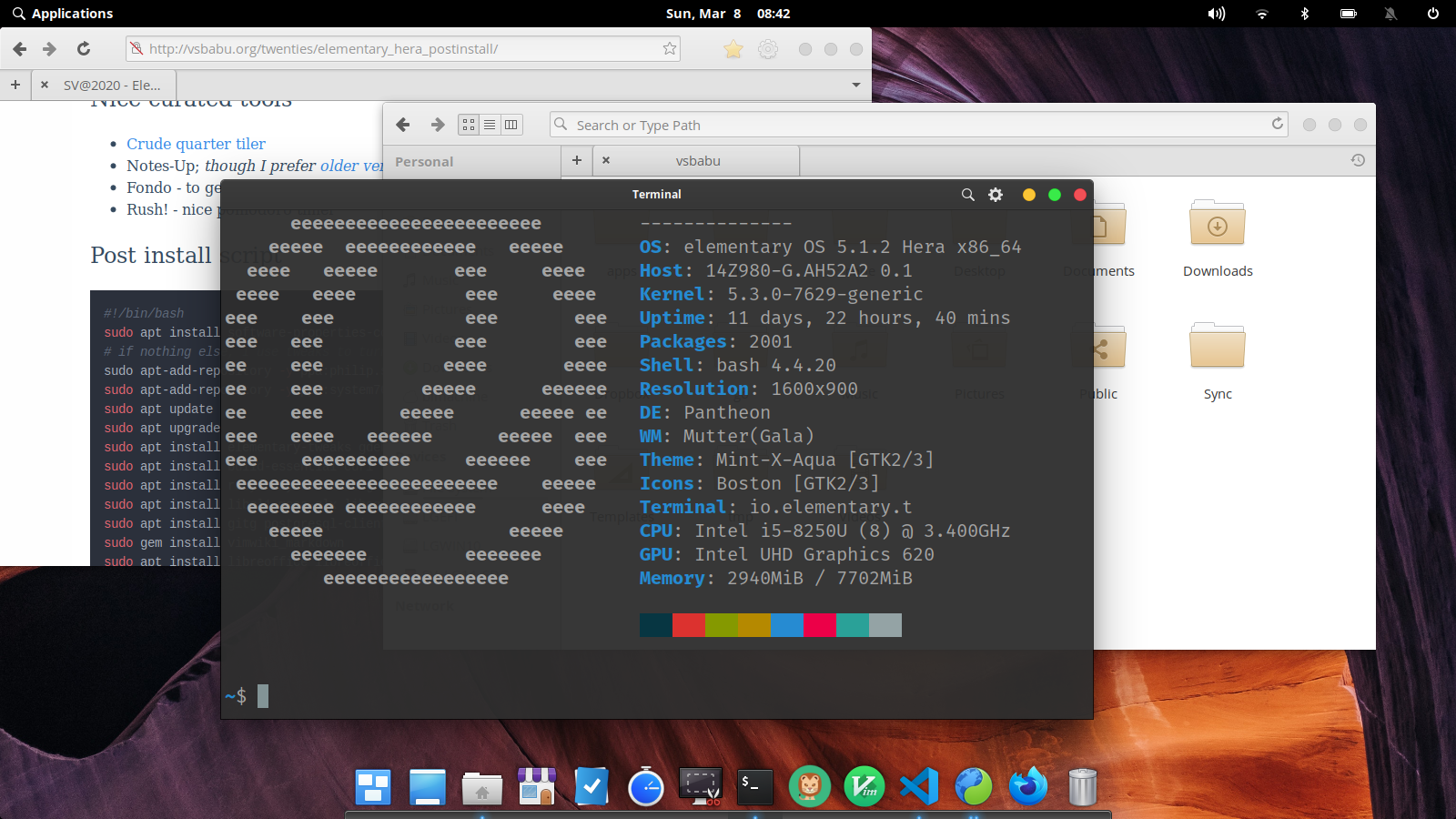
- Check the official Hera 5.1.2 release post
- Add
Super+Returncustom shortcut toio.elementary.terminal -nto open new terminals all the time. Otherwise, after upgrade, the focus just goes to existing terminal. - I like the traffic lights windows controls; get eOS-X theme
Nice curated tools
- Crude quarter tiler - very useful to tile your terminals!
- Fondo - to get nice wallpapers.
- Rush! - nice pomodoro timer
Post install script
sudo apt install software-properties-common
# if nothing else, I use tweaks to turn on dark mode
sudo apt-add-repository -y ppa:philip.scott/elementary-tweaks
sudo apt-add-repository -y ppa:system76-dev/stable
sudo add-apt-repository ppa:kelleyk/emacs
sudo apt update
sudo apt upgrade
sudo apt install elementary-tweaks gdebi
sudo apt install build-essential curl file git vim-gtk3 fonts-firacode htop tree dos2unix
sudo apt install ruby ruby-dev zlib1g-dev
sudo apt install libgl1-mesa-glx libegl1-mesa libxrandr2 libxrandr2 libxss1 libxcursor1 libxcomposite1 libasound2 libxi6 libxtst6
sudo apt install gitg postgresql-client neofetch fortune-mod gdebi
sudo gem install vimwiki_markdown
sudo apt install libreoffice libreoffice-gtk libreoffice-style-elementary gimp fondo
sudo apt install tlp tlp-rdw system76-power #laptop power management
sudo apt install transmission #torrent client
sudo apt install dconf-editor #only if you know what you are doing with it
sudo apt install emacs26
EOF
# This below is to remember last option in GRUB and to boot fast
# very useful in a dual boot machine
echo "Remember boot order: Edit /etc/defaults/grub by adding the following lines"
cat <<EOF
GRUB_DEFAULT=saved
GRUB_SAVEDEFAULT=true
GRUB_TIMEOUT_STYLE=hidden
GRUB_TIMEOUT=3
EOF
echo "After that, run the following"
cat <<EOF
sudo update-grub
sudo apt autoclean
sudo apt autoremove
EOFNon curated apps
I always install linuxbrew.sh and setup essential packages from that - if your home directory is in a separate partition, then it will work when you reinstall packages. eg:
# essentials
brew install git curl bzip2 zip
# productivity
brew install tig tmux bat fd fzf
brew install task timewarrior
# utils for code and run
brew install jq nq sqlite xsv neovim pandoc
# fun
brew install fortune youtube-dl  wtf
# coding
brew install python node node@8
# website maker
brew install zola
#vcs + wiki + issues with one exe
brew install fossil
# git-flow-avh edition
brew install git-flow-avh #http://danielkummer.github.io/git-flow-cheatsheet/


# spacemacs.org
git clone https://github.com/syl20bnr/spacemacs ~/.emacs.d
cd ~/.emacs.d
git pull develop
Optionals - download 64bit .deb files
- Google Chrome
- Microft VS Code
- Boostnote.io
- Dropbox
- RipGrep
- Syncthing - local network sync.
- Source Code Pro fonts
Double click the downloaded .deb files above and install it.